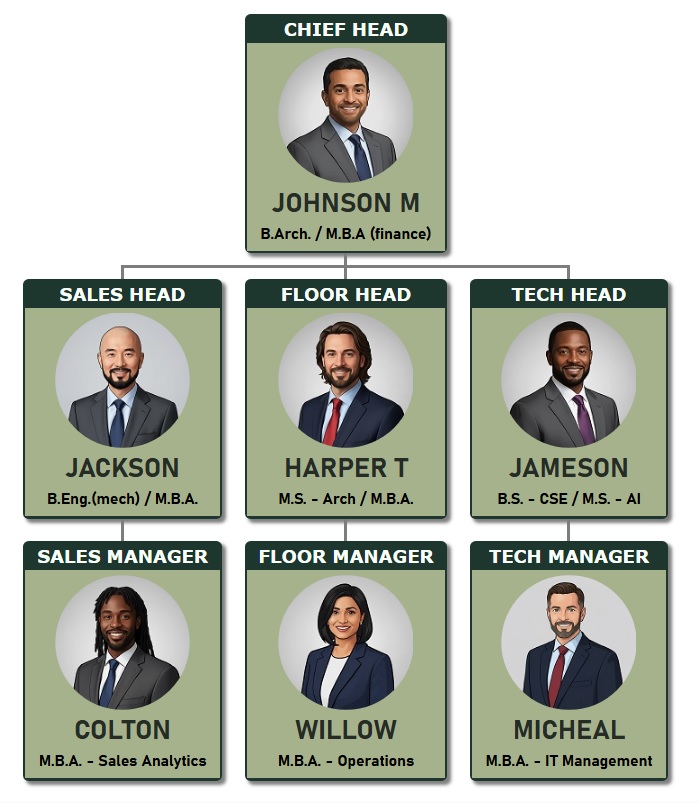
Select and apply various themes to Organization Chart Template 5.
Theme 1 - Dual-color theme with brown job titles, white employee details, and rounded profile photos.

Theme 2 - Organizational chart with dark green and white colors, displaying clear professional job titles, detailed employee information, and rounded photos.

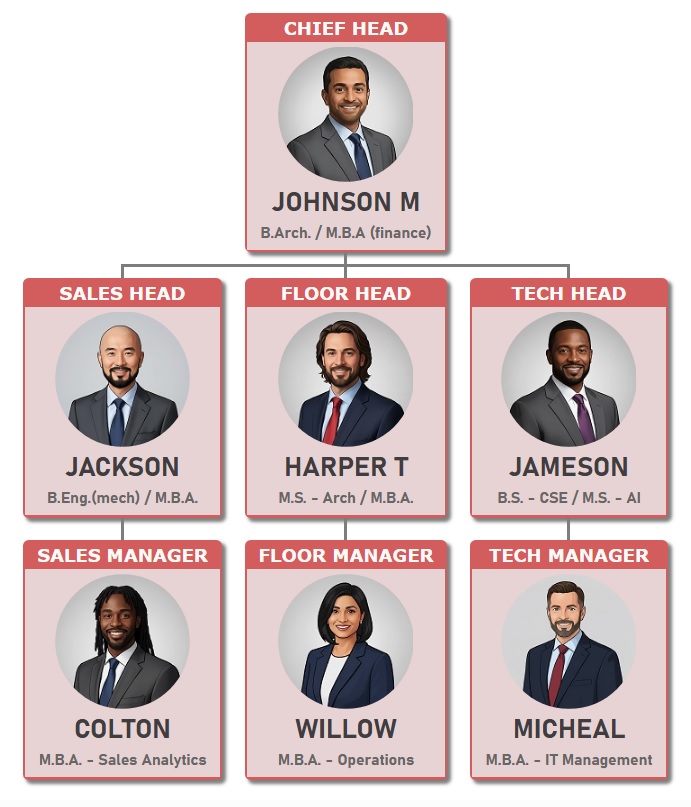
Theme 3 - Organizational chart template with dark red and sandalwood colors, featuring prominent job titles, subtle employee details, and rounded photos.
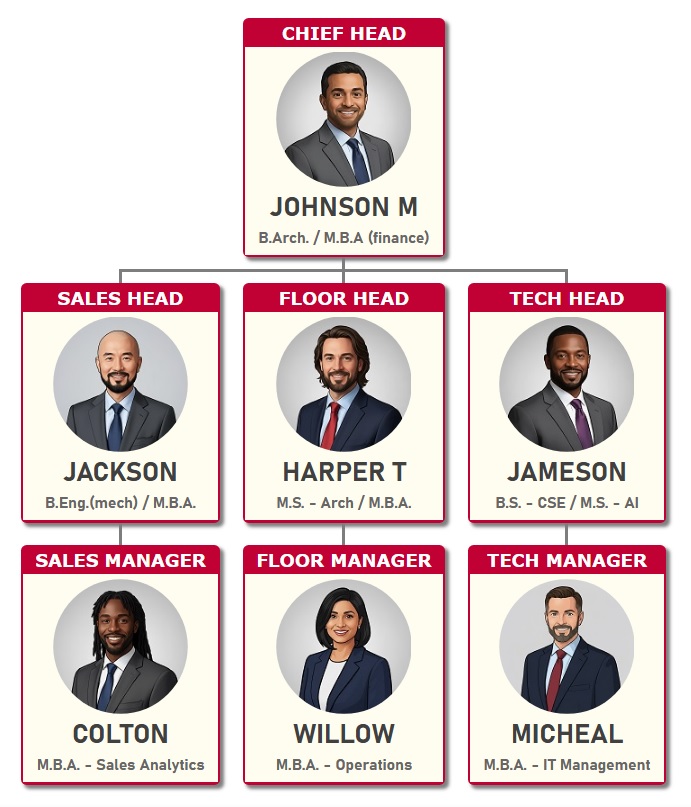
Theme 4 - Magenta & White Theme: Bold job titles with clear, readable employee details and rounded photos for each role.

Theme 5 - Turquoise & White Theme: Fresh job titles with clear employee details and rounded photos for each role.

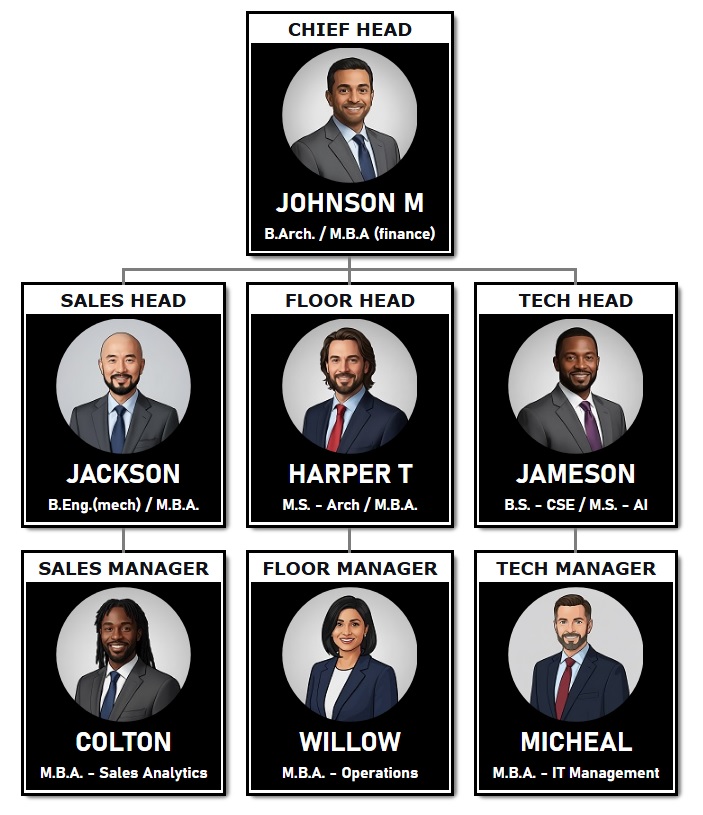
Theme 6 - Black & White Organization Chart Template: Sleek, professional design with rounded photo uploads for each role.
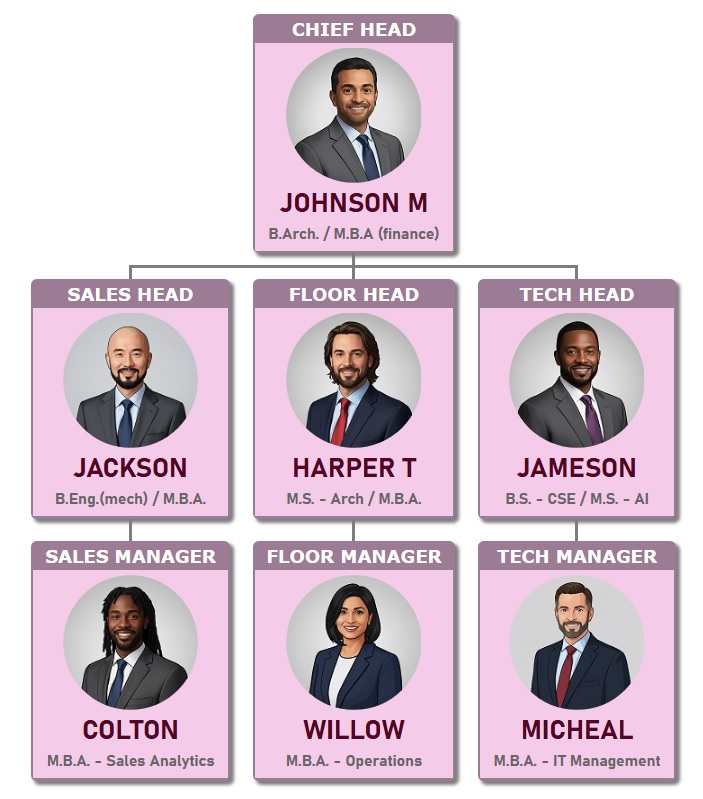
Theme 7 - Organizational chart template with a baby pink background, featuring an elegant layout with rounded photos for each role.
Theme 8 - Org Chart Template 5 – Professional Black & White Theme featuring rounded photos for each role.

Theme 9 - Orange-Red Theme: Subdued job titles with light-toned employee details and rounded photos for each role.
Theme 10 - Dark & Olive Green Theme: Subtle job titles paired with cohesive employee details and rounded photos for each role.