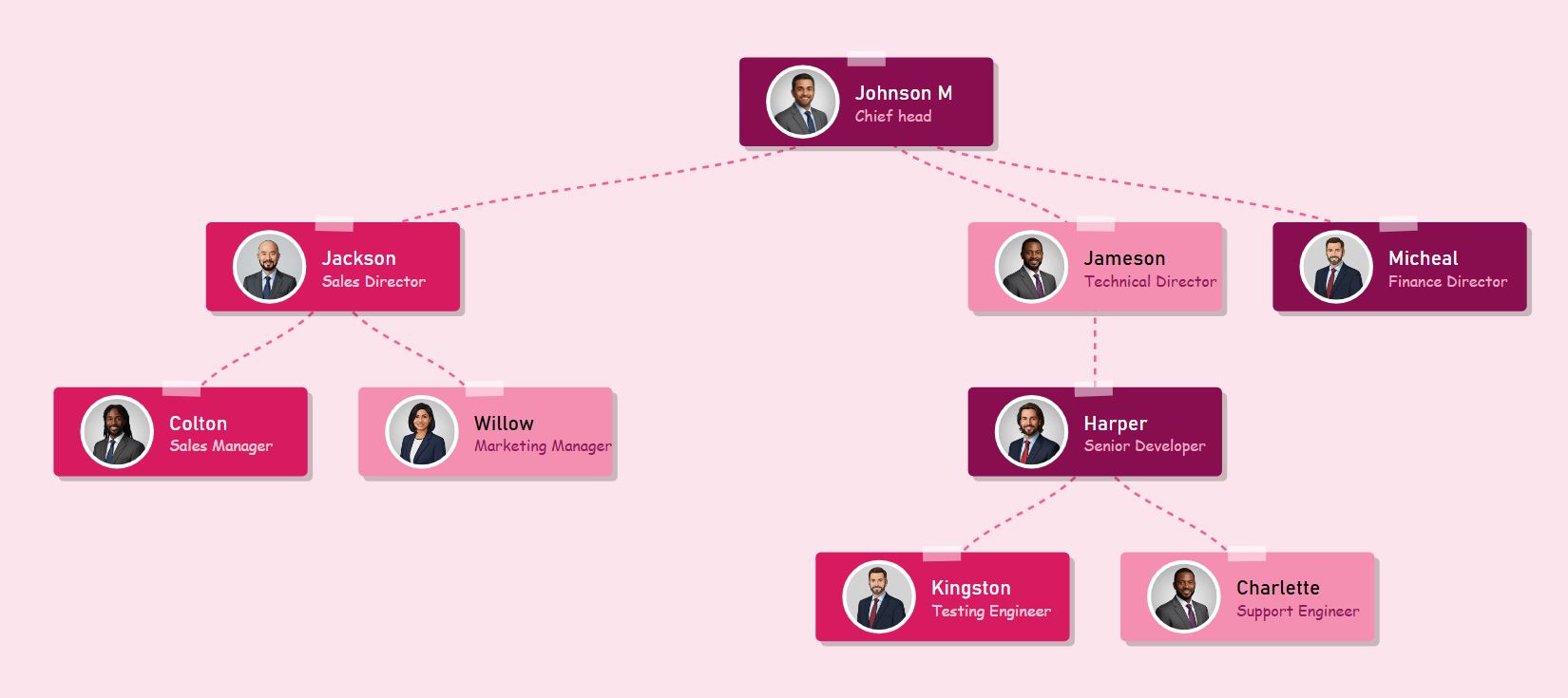
Free Paper Cutout Org Chart Maker Circular Photo Hierarchy Tool

Create creative paper-style organizational charts with circular avatars.

Paper Cutout Org Chart template

NAME TEXT
LINK FROM
Name text font settings
Qualification title text font settings
Line Color
Line Width
Line Style
Photo Radius
Background
Card Width
Card Height
Vertical Space
Horiz. Space

Choose and apply different themes on this Paper Cutout Organization Chart Template

Sweet Taffy - Mint, Purple & Peach
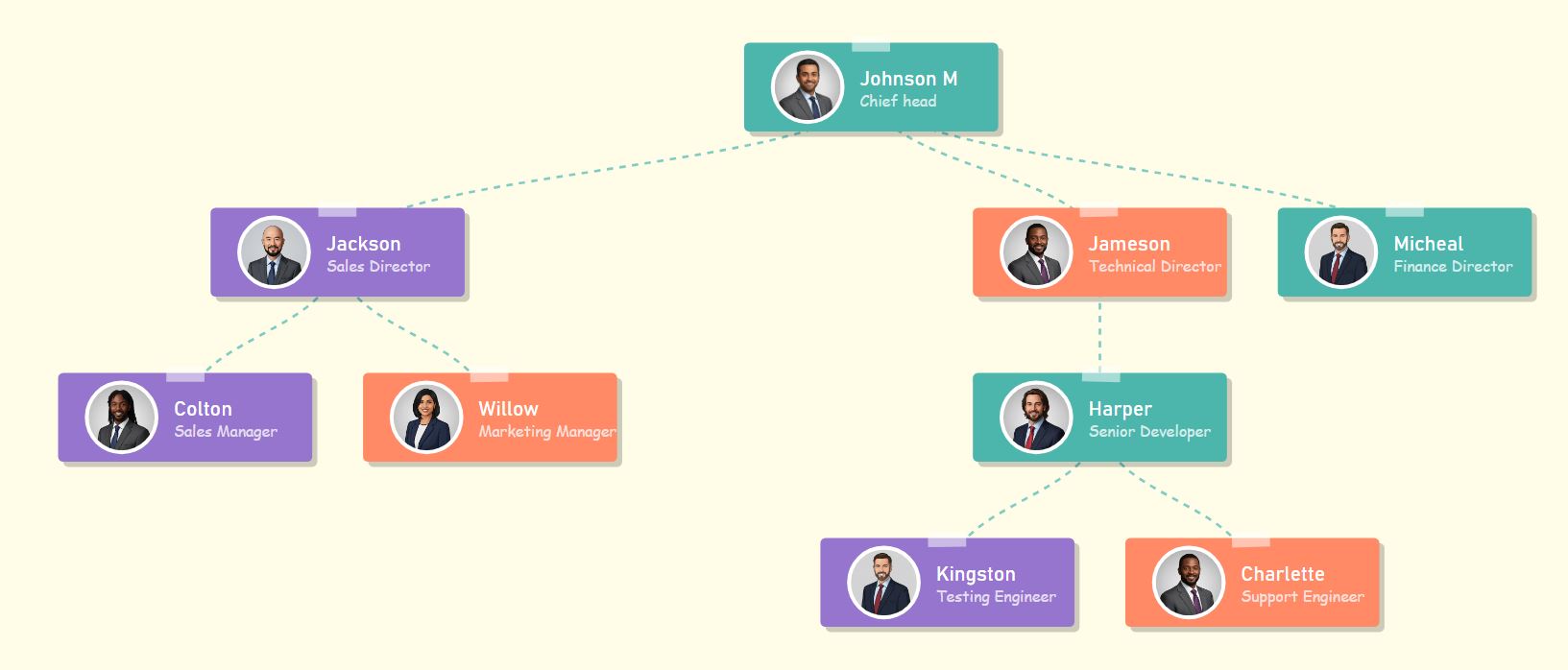
Paper cutout org chart in soft pastel colors featuring mint green, purple, and peach cards
Applying...
Dreamscape Pop - Lavender, Cyan & Pink
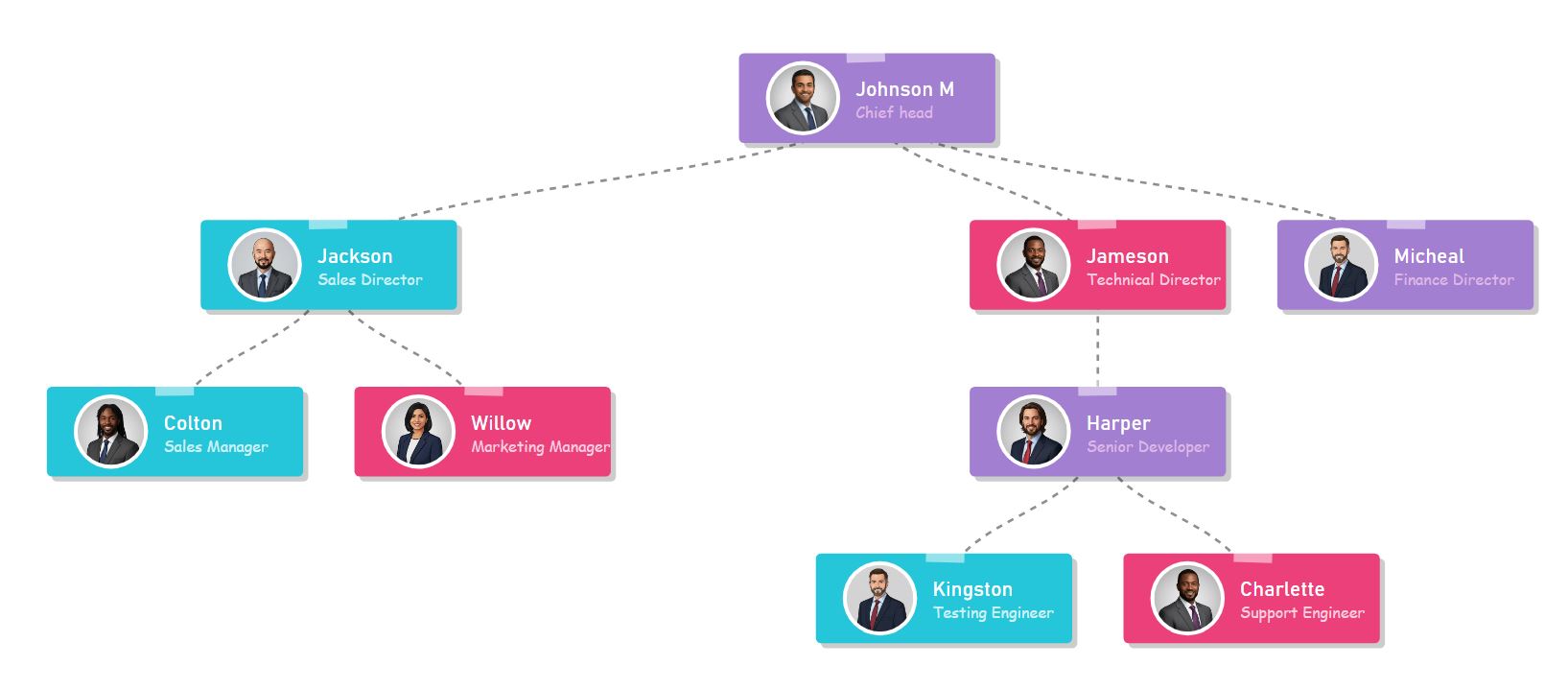
Vibrant pastel org chart theme using lavender, cyan, and baby pink hierarchy
Applying...
Cloud Nine - Serenity Blue, Coral & Lilac
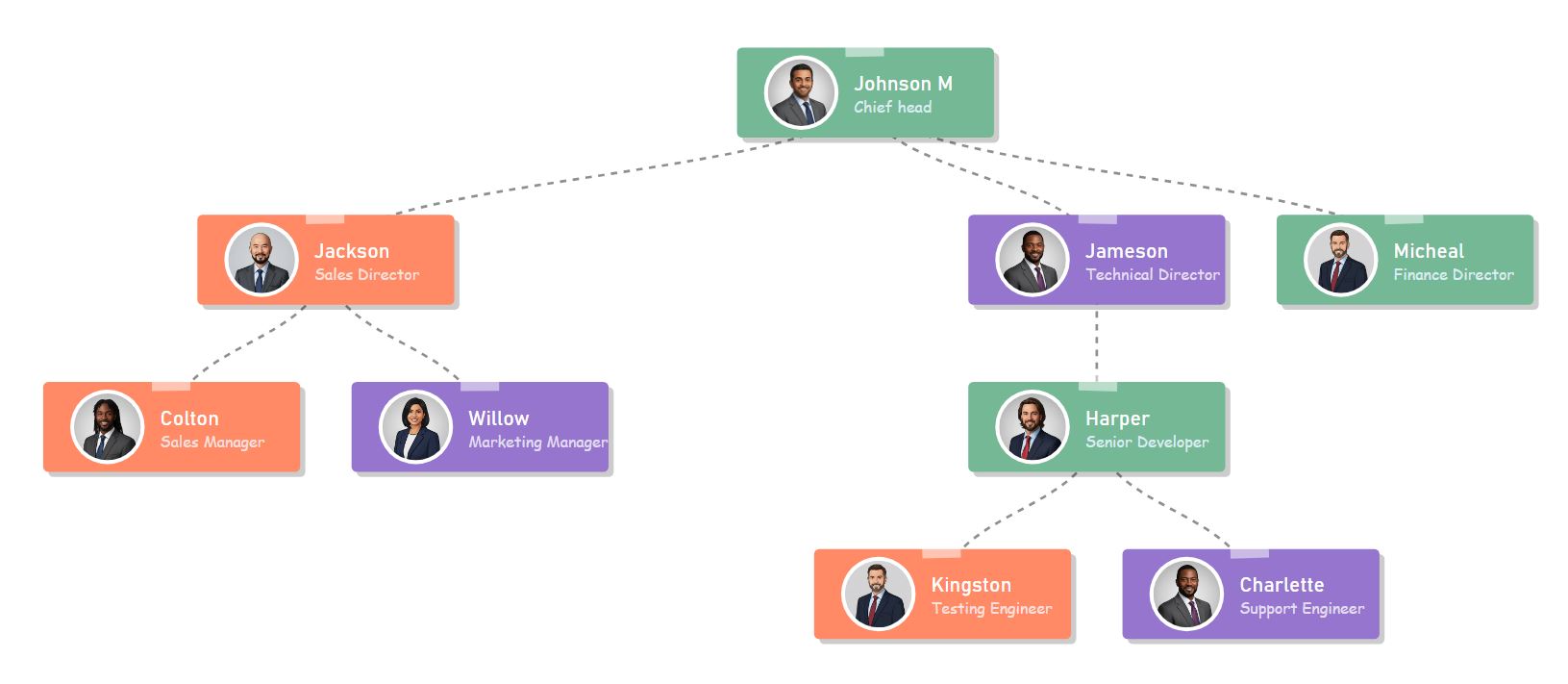
Soft and airy org chart theme featuring serenity blue, warm coral, and lilac purple cards
Applying...
Twilight Soft - Deep Lilac, Sky Blue & Magenta
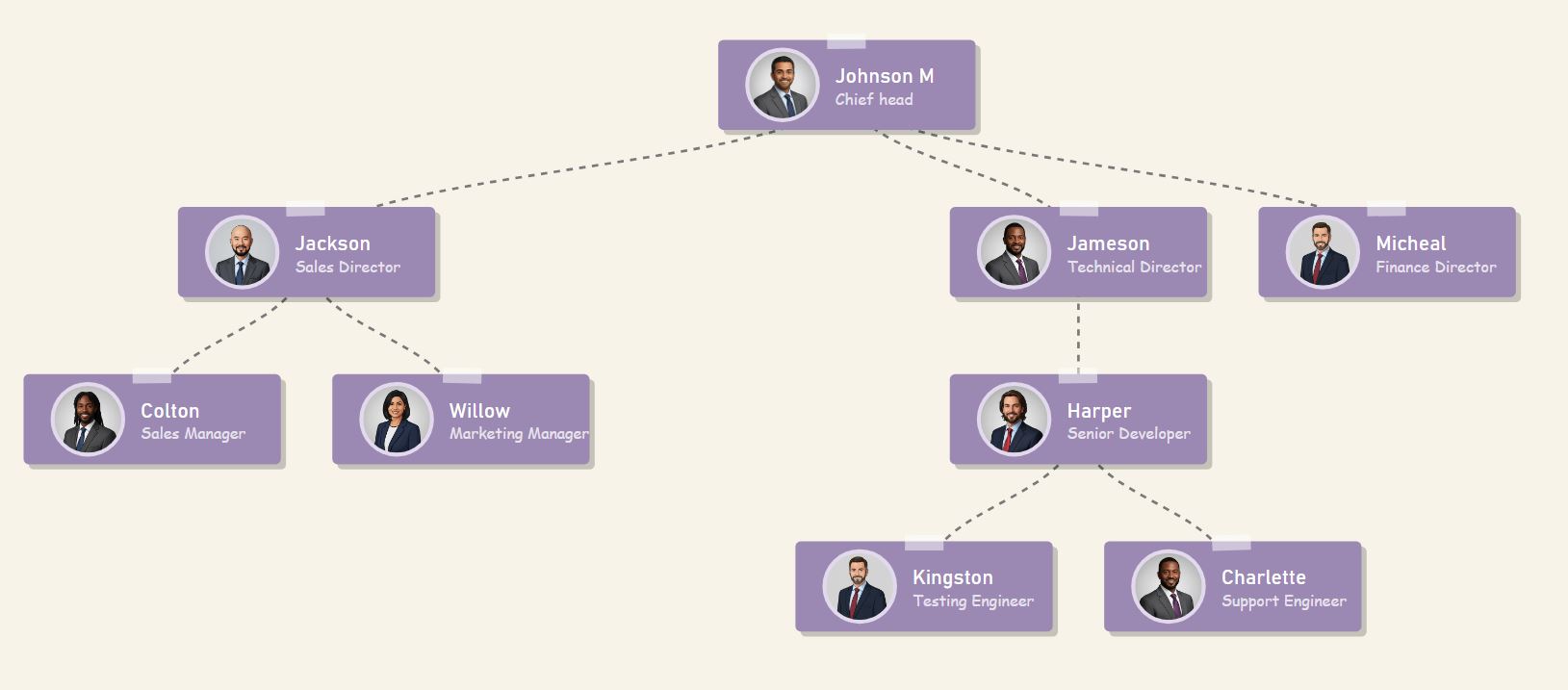
Dreamy twilight themed org chart with deep lilac, sky blue, and soft magenta cards
Applying...
Modern Teal - Deep Teal, Medium & Aqua
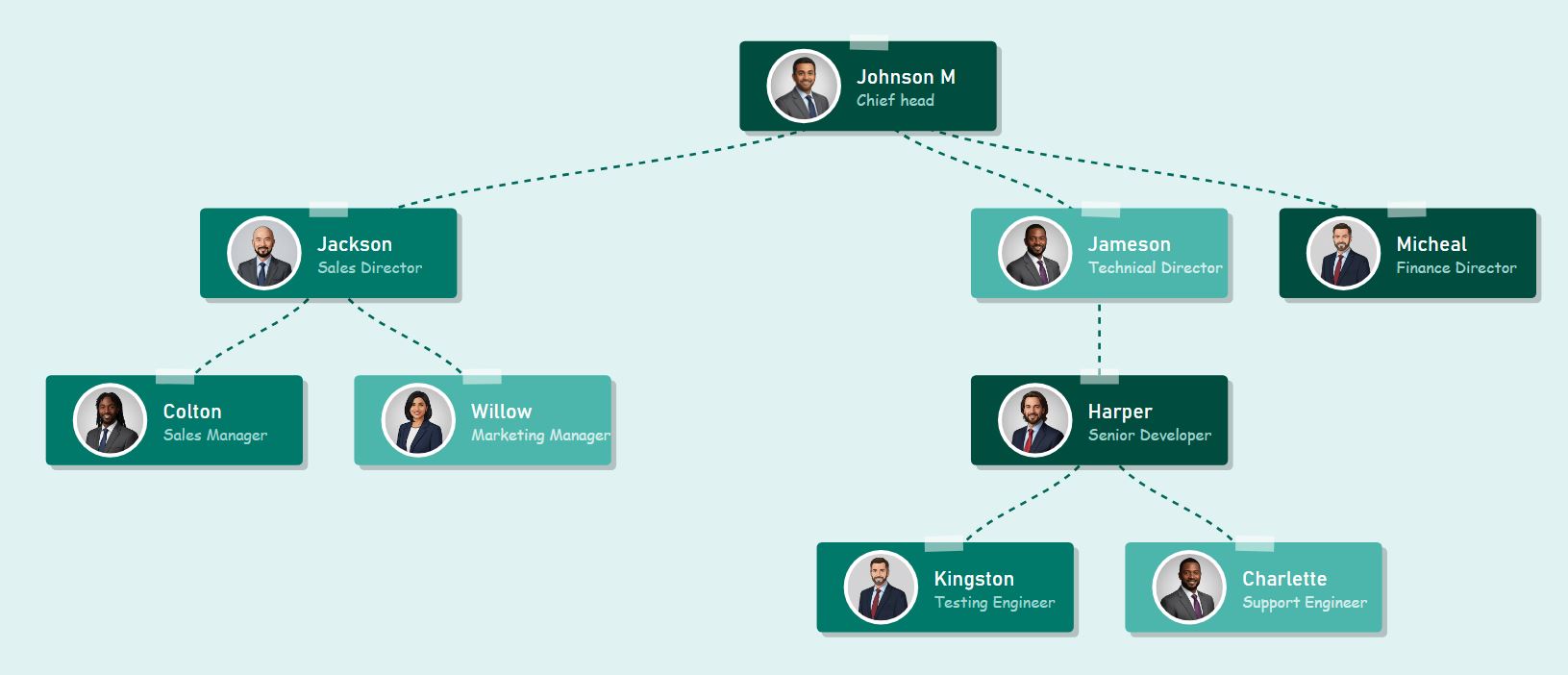
Professional monochromatic org chart using a gradient of deep teal to light aqua
Applying...
Berry Sorbet - Maroon, Pink & Blush
Warm berry-toned org chart featuring maroon executives, pink managers, and blush staff
Applying...
Minimalist Red - Crimson & White Contrast
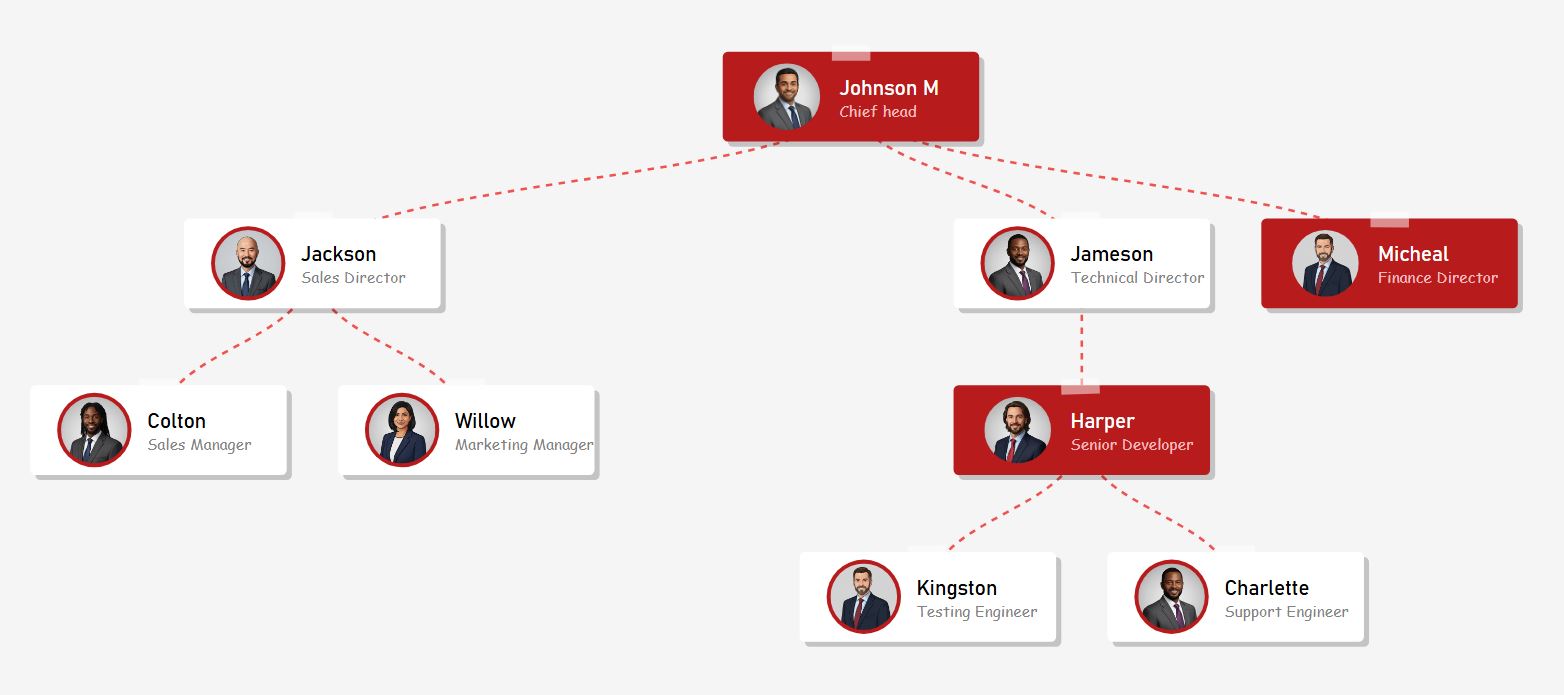
Bold minimalist org chart with crimson red leadership cards and white staff cards
Applying...
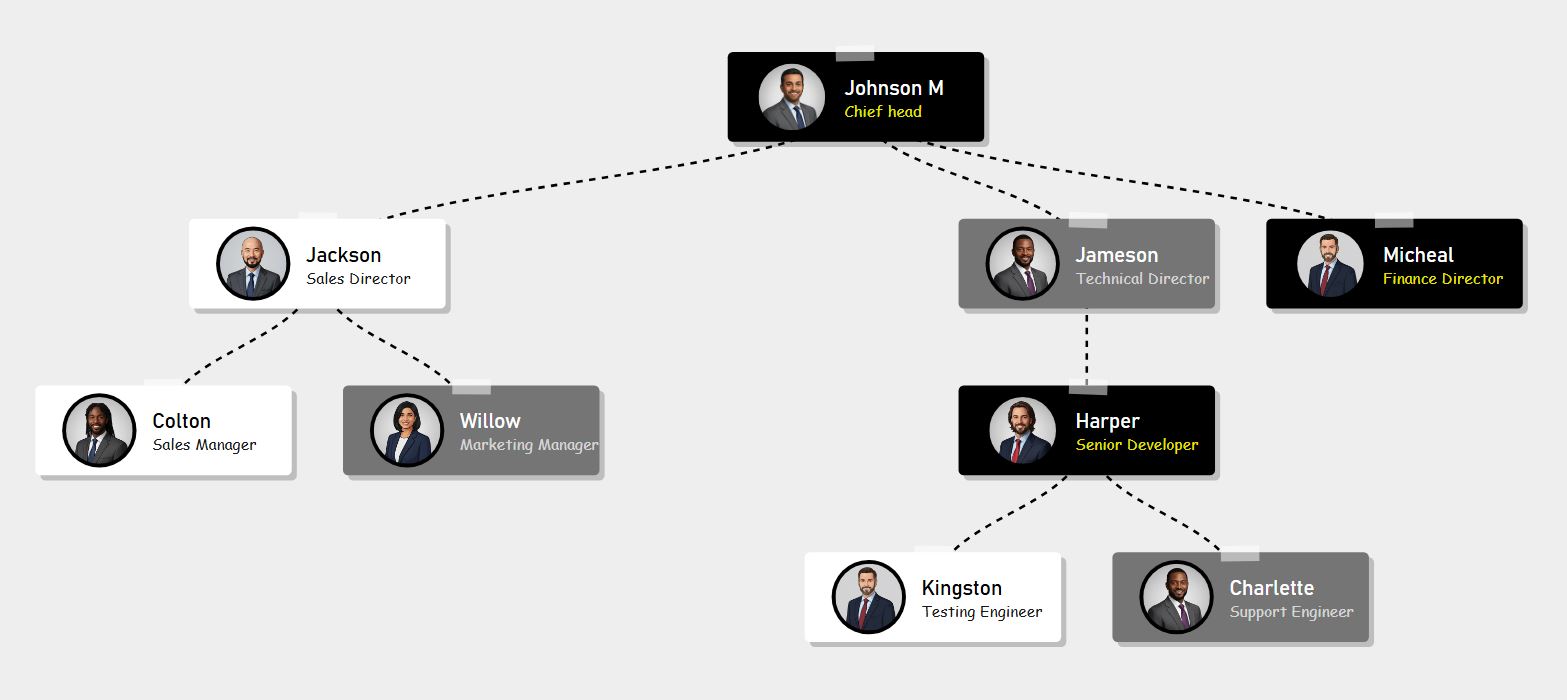
High Contrast - Black, White & Gray
High contrast black and white org chart for maximum readability and modern look
Applying...
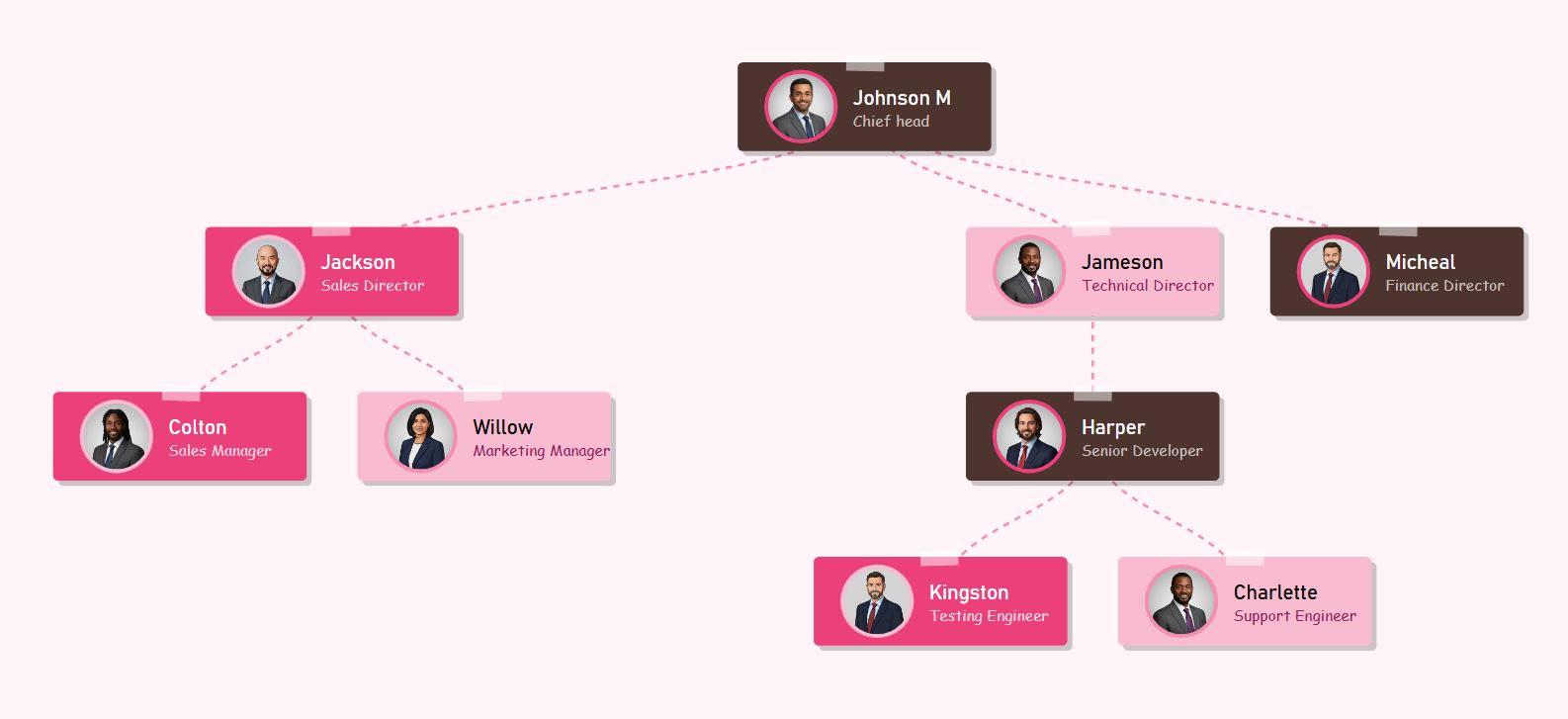
Cherry Blossom - Earthy Brown & Pink
Nature-inspired org chart with earthy brown, hot pink, and soft pink hierarchy
Applying...
Coffee Shop - Espresso, Latte & Cream
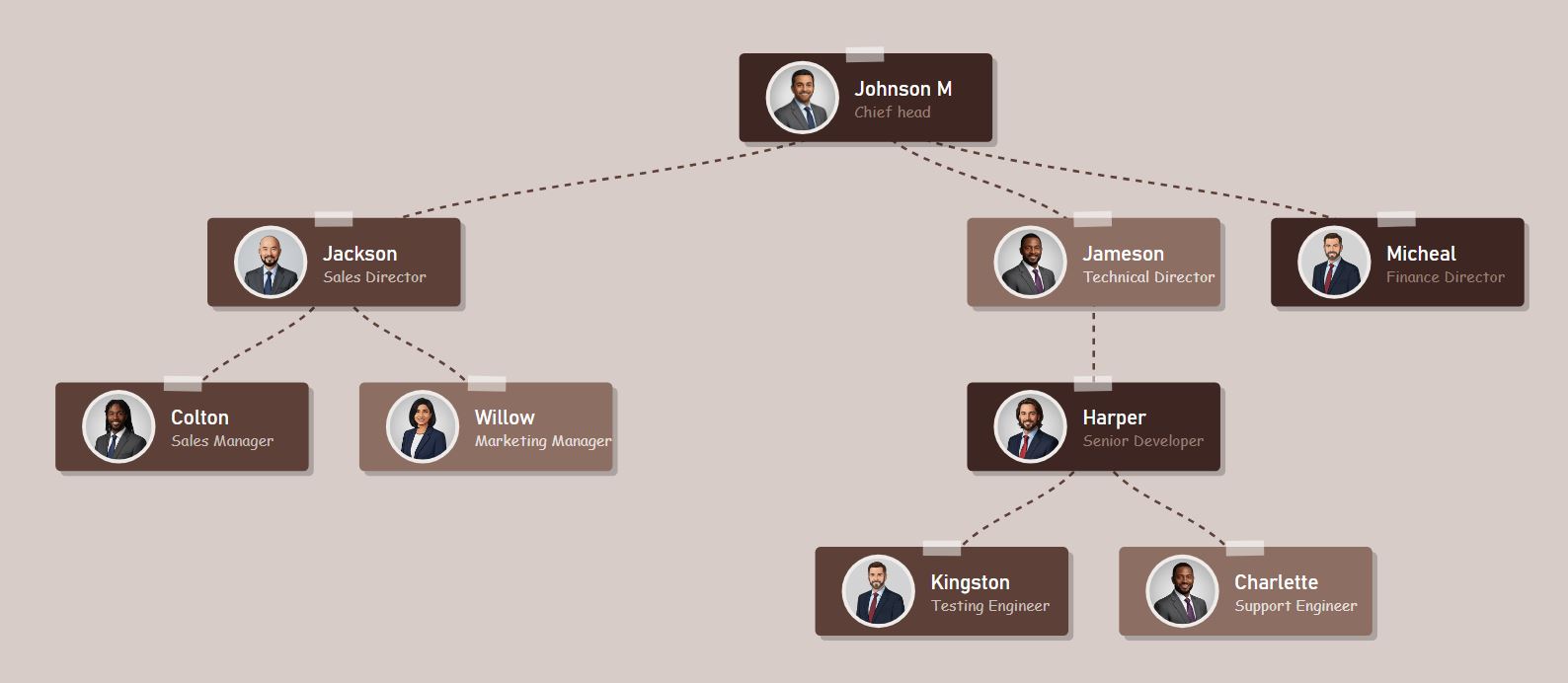
Warm coffee-themed org chart using espresso brown, latte, and cream tones
Applying...

Description

What is this Free Paper Cutout Org Chart Maker?

The Free Paper Cutout Org Chart Maker is a creative online tool designed to visualize team structures with a distinct, handcrafted aesthetic. Unlike standard rigid charts, this tool presents employees on textured "paper cards" complete with drop shadows and a visual "tape" effect, connected by customizable dashed or dotted lines. It features smart circular avatars that automatically display initials if no photo is uploaded. Packed with advanced features like instant CSV data import, interactive zoom and panning, and high-resolution PNG export, this tool provides a unique, publication-ready solution for generating hierarchy charts that stand out.

How to edit this Paper Style Org Chart?

Customizing this chart is seamless with our visual online editor. Simply input names and titles into the list, and upload photos for each team member—the tool handles the circular cropping and borders automatically. You have granular control over the layout: adjust the Card Width and Height, modify the Vertical/Horizontal Spacing, and toggle between Dashed, Dotted, or Solid connector lines. Global settings allow you to apply beautiful pastel color themes, change fonts, and define the background color. For larger teams, use the CSV import feature to build your hierarchy instantly and export a high-quality image with perfectly centered padding.

What we do

Key Features

  • 20+ Creative Themes: Switch instantly between styles like Sweet Taffy, Dreamscape Pop, Minimalist Red, and Dark Mode.
  • Paper Cutout Aesthetic: Features textured paper cards, visual "tape" effects, and dashed connector lines for a handcrafted look.
  • Smart Avatars: Automatically crops uploaded photos into circles or generates stylized initials if no photo is provided.
  • Advanced Layout Controls: Customize card width, height, photo radius, and vertical/horizontal spacing to fit your content.
  • Smart CSV Import: Auto-generate complex hierarchies instantly by uploading Excel or CSV data.
  • High-Res Export: Download 2x resolution PNG images with auto-centered padding, ready for presentations.
  • 100% Free & Private: No sign-up required; all processing happens securely in your browser.

How do I create an Org Chart with this template?

You have two easy options: manually add roles using the interactive editor buttons, or upload a CSV file to automatically build the hierarchy for larger teams. Once your structure is set, select a Pastel Theme to match your brand, adjust the Line Style (Dashed/Dotted), and click 'Download Chart' to save your file.

How do I download the chart?

Once you have finished customizing your diagram, simply click the Download Chart button. The tool will intelligently center your tree, apply professional padding around the edges, and capture a high-quality PNG image of your Paper Style Structure optimized for printing or sharing.

Is this organizational chart template free?

Yes, this Paper Cutout Org Chart template is 100% free. You have full access to the online editor, all 20+ professional color themes, layout controls, and high-quality image downloads without any hidden costs or sign-up requirements.

How does the CSV Import feature work?

You can automate the design process by downloading our sample CSV template. Fill it with your team's details (Names, Titles, and Manager Names) and upload it back to the tool. The editor will instantly read the data and render your complete hierarchy in the circular card format.

Are there any restrictions on this template?

No, there are no creative restrictions. You have total control to customize every detail, including the card colors, photo borders, and connector line styles. The layout is designed to scale dynamically, handling anything from small creative teams to large corporate departments with ease.

Tools section