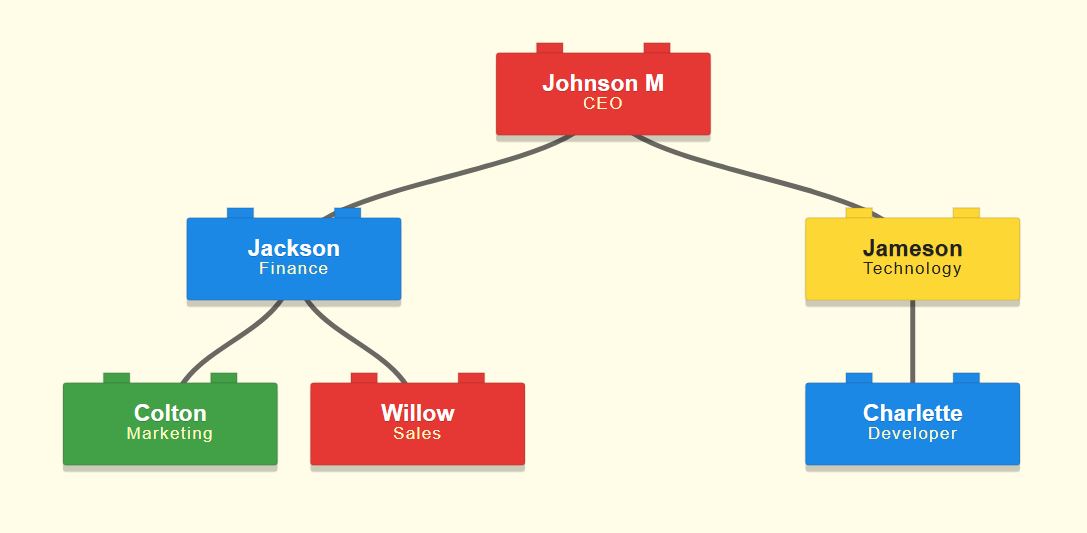
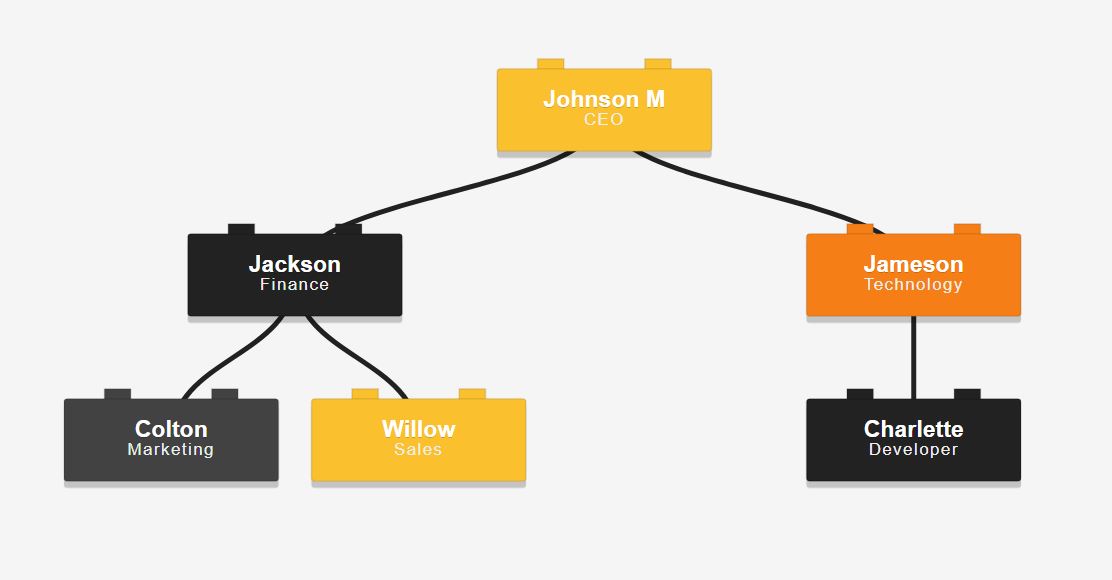
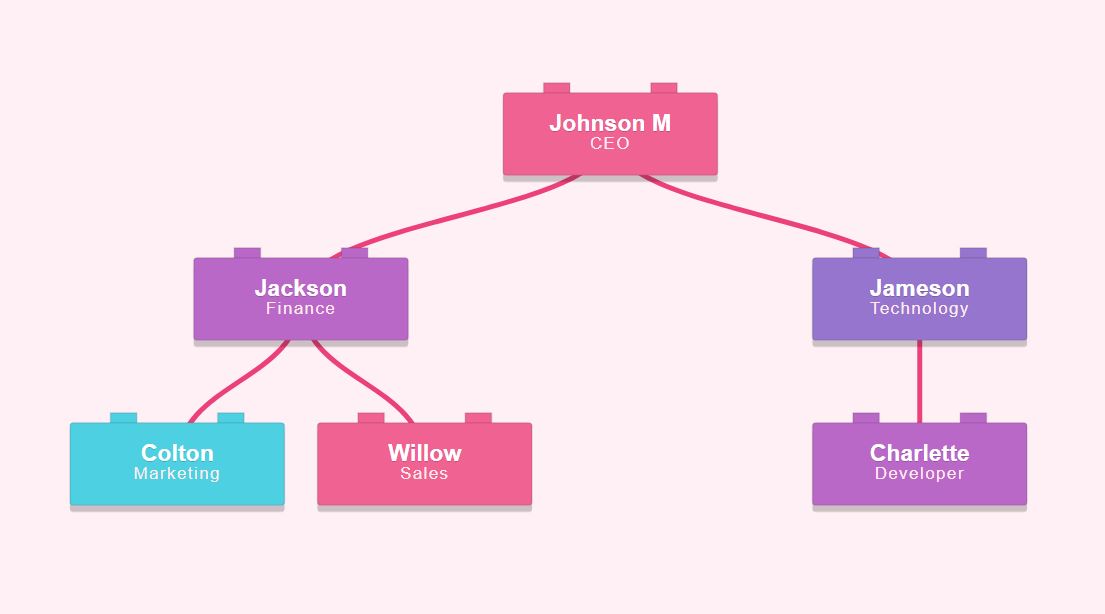
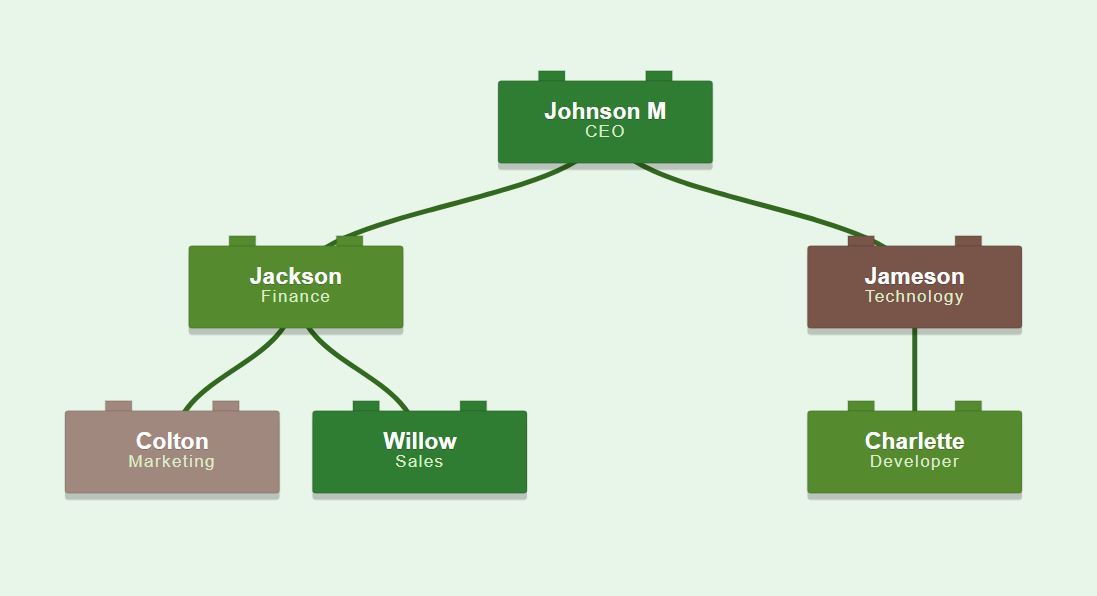
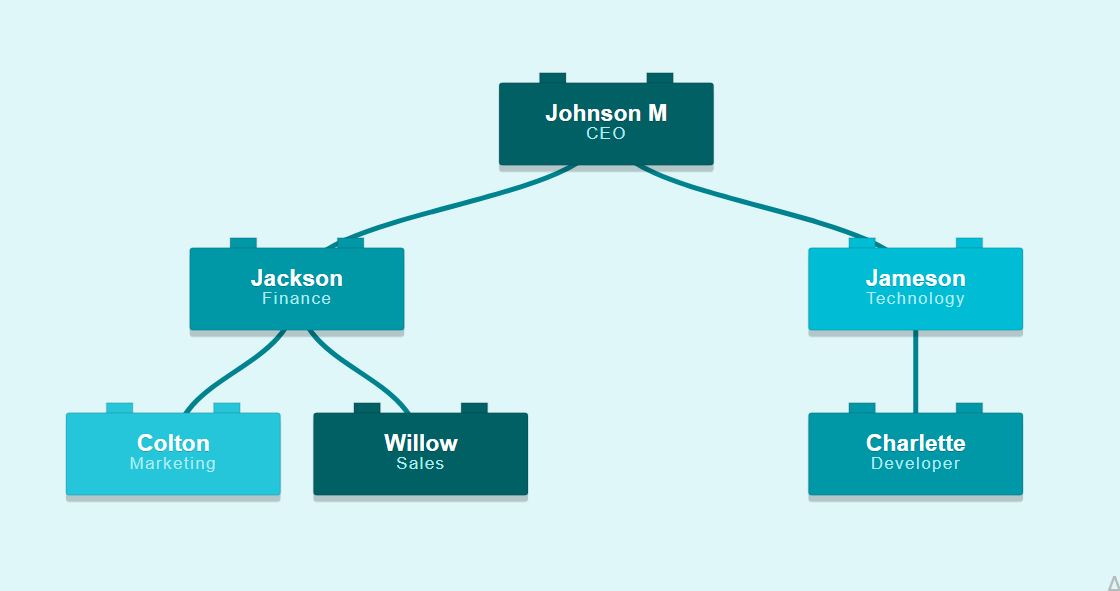
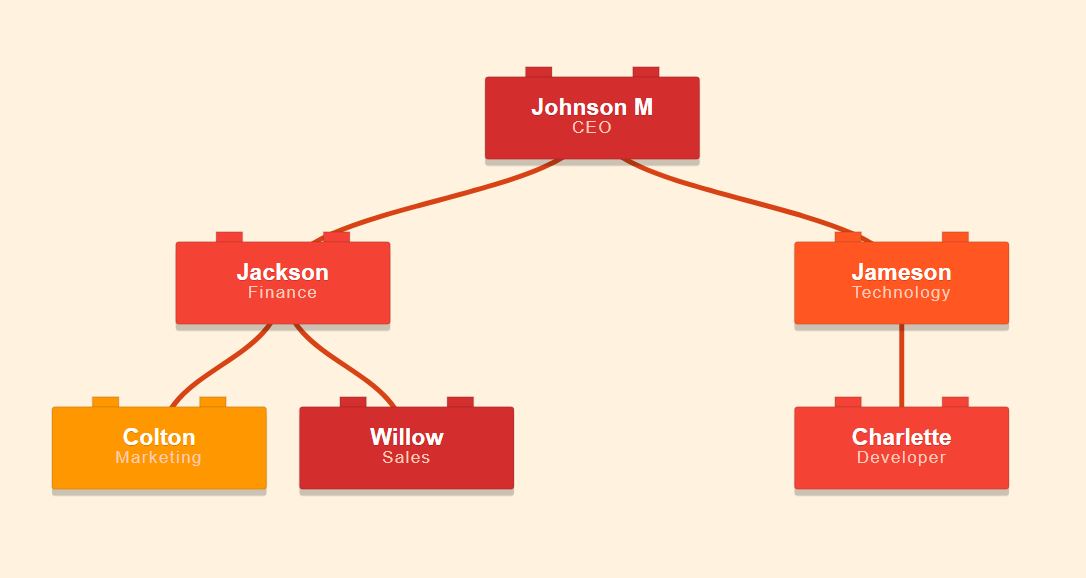
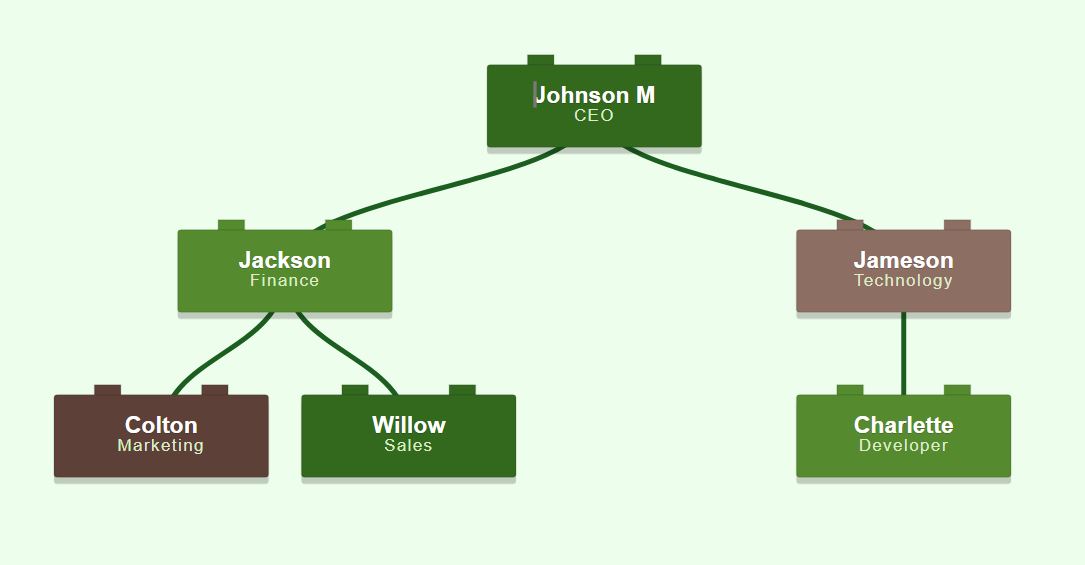
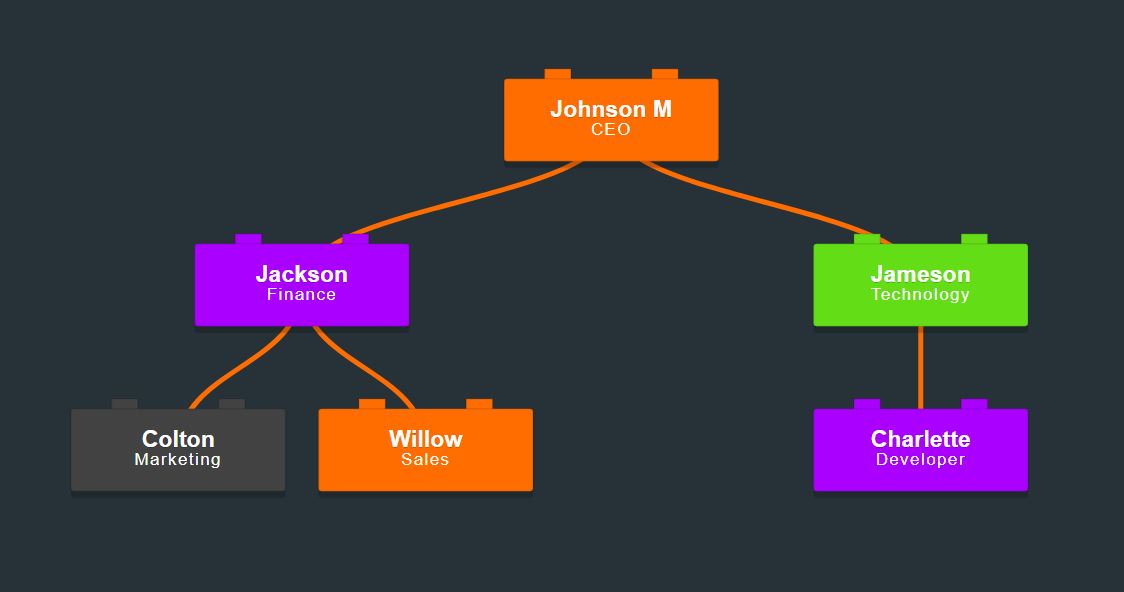
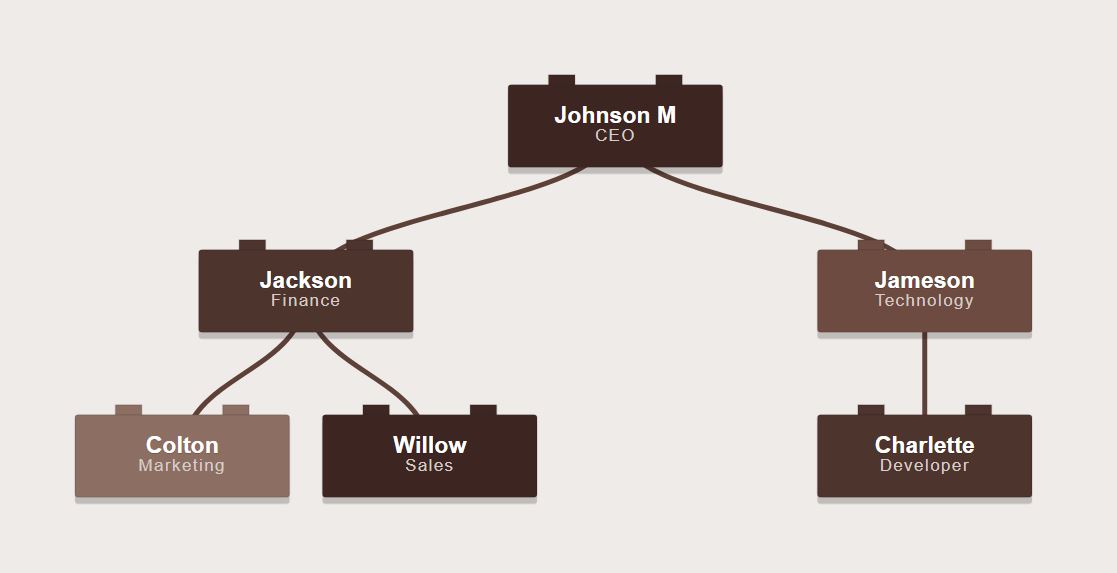
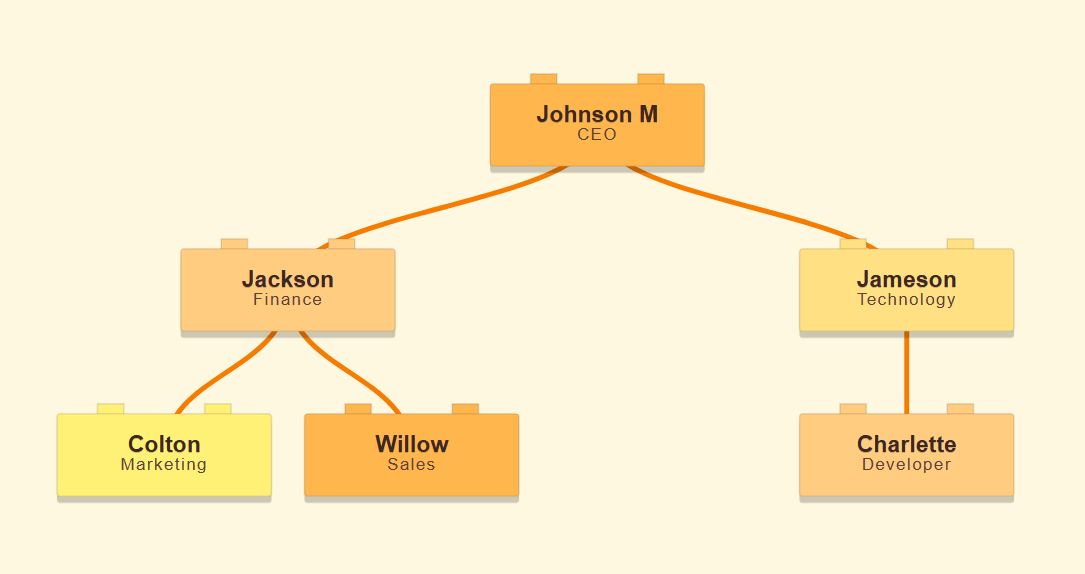
Visualize your team structure with a fun, toy brick style. Customize block colors, choose your fonts, and export high-quality images instantly.
Toy Brick Org Chart Template (Supports <br> tags for line breaks)
Click any theme below to apply it to your chart.


What we do
You have two easy options: manually "stack" roles using the interactive editor buttons, or upload a CSV file to automatically build the hierarchy for larger teams. Once your structure is set, select your favorite Brick Colors, adjust the Connector Lines, and click 'Download Chart' to save your file.
Once you have finished constructing your diagram, click the 'Download Chart' button. The tool will instantly capture the canvas and download a high-resolution (2x) PNG file of your entire brick structure, optimized for creative presentations, reports, and printing.
Yes, this Toy Brick Org Chart template is 100% free. You have full access to the online editor, all creative color options, brick styling controls, and high-quality downloads without any hidden costs or sign-up requirements.
You can automate the building process by downloading our sample CSV template. Fill it with your team's details (Names, Titles, and Reporting Lines) and upload it back to the tool. The editor will instantly read the data and assemble your complete hierarchy block by block.
No, there are no creative restrictions. You have total control to customize every detail, including the brick dimensions, background colors, typography, and spacing. The layout is designed to scale perfectly, handling anything from small startup teams to massive creative organizations with ease.
Tools section