Free Sticky Note Org Chart Maker & Template Corkboard, Blueprints & Designs

Design realistic diagrams with our interactive org chart template.

Sticky Note Org Chart Template (Supports <br> tags for line breaks)

NAME TEXT
LINK FROM
Name text font settings
Qualification title text font settings
Board Theme
Pin Style
Note Color
Line Color
Line Width
Card Width
Card Height
Vertical space
Horizontal space

Sample Chart Themes

Click any theme below to apply it to your chart.

Math Class - Grid & Purple
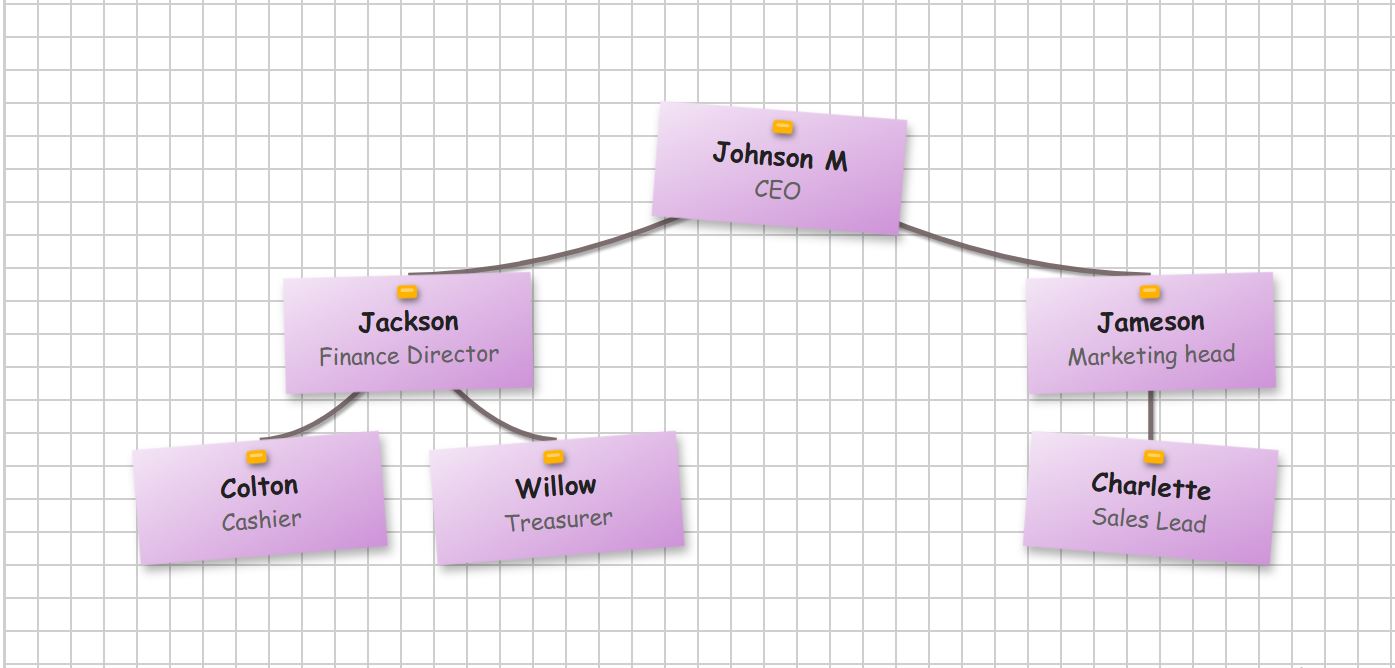
Graph paper background with purple sticky notes and gold flat pins.
Applying...
Bullet Journal - Dots & Yellow
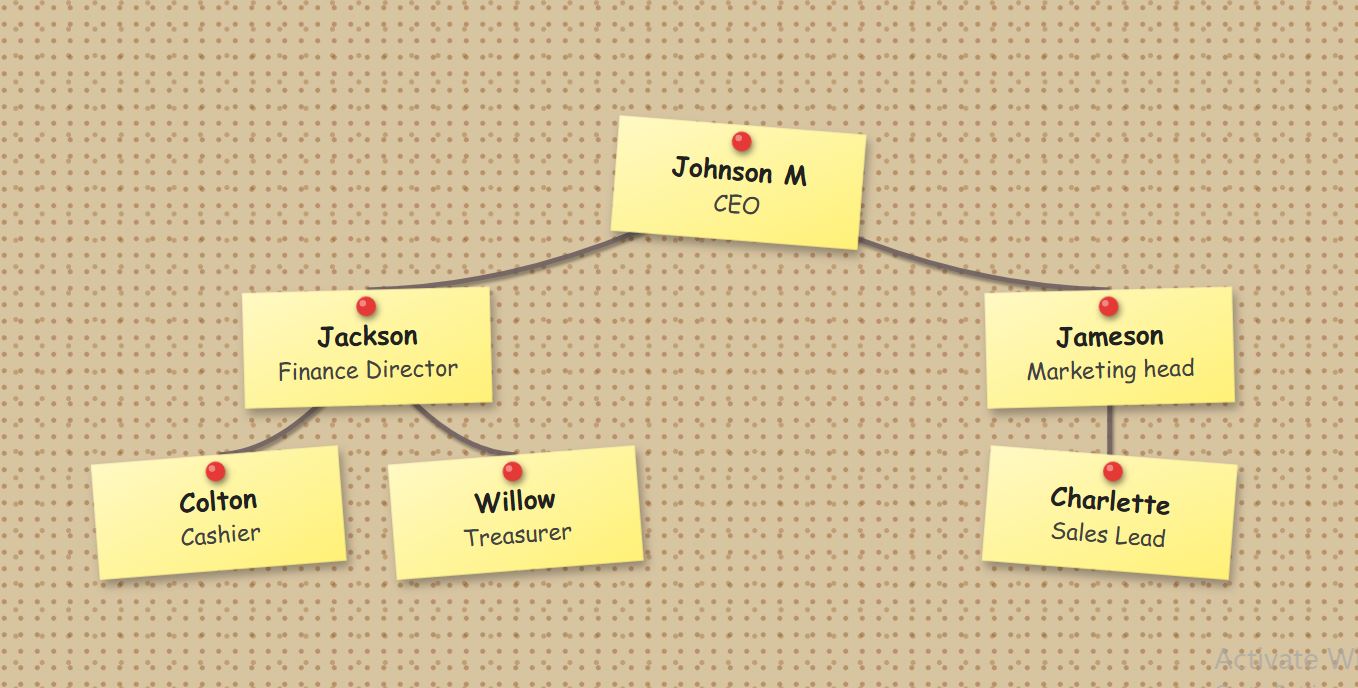
Brown dotted grid background with yellow sticky notes and red pins.
Applying...
The Architect - Blueprint & Blue
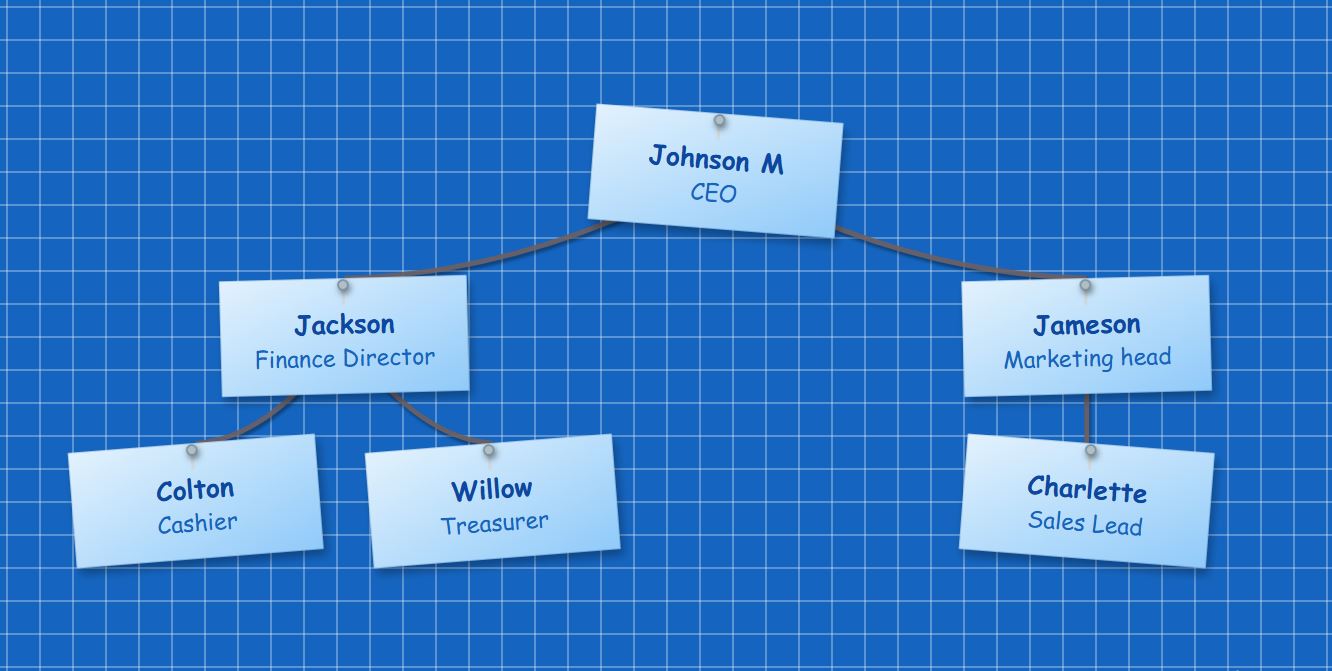
Blue engineering grid background with blue notes and silver needle pins.
Applying...
Eco Friendly - Sand & Green
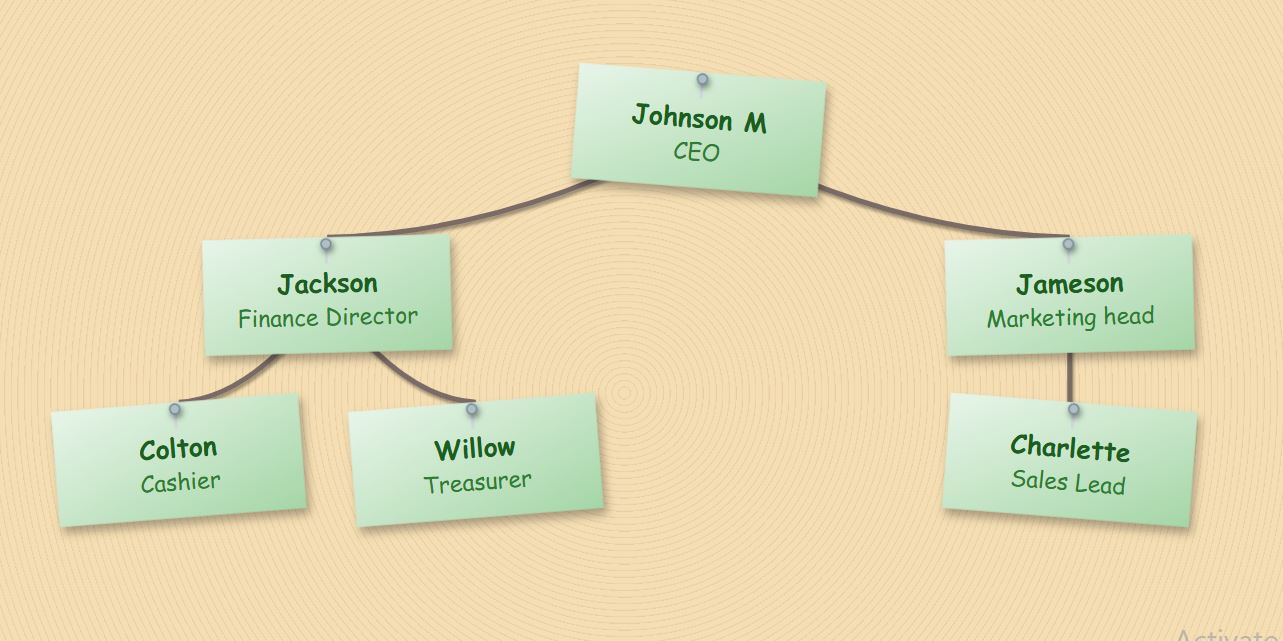
Natural sand ripple texture background with green sticky notes.
Applying...
Modern Dark - Carbon & Pink
Dark carbon fiber dotted background with bright pink sticky notes.
Applying...
Minimalist - White & Pink
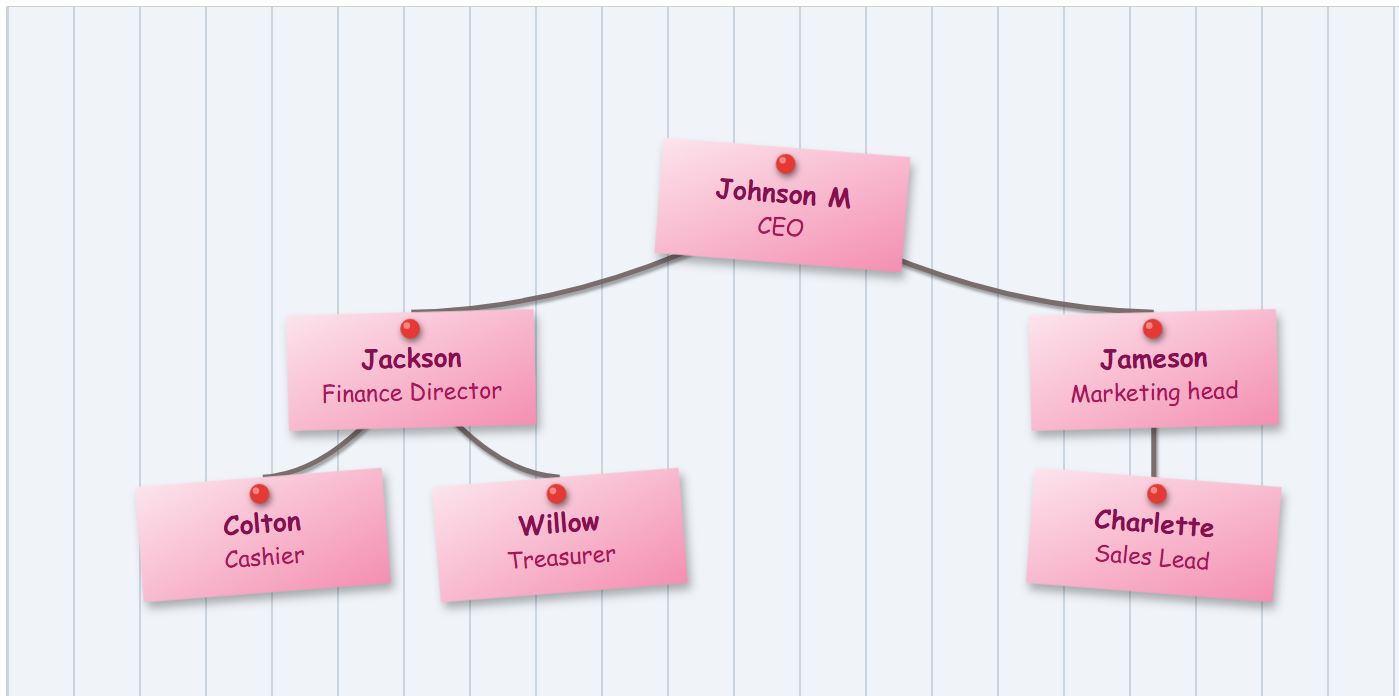
Clean white background with vertical lines and pink sticky notes.
Applying...
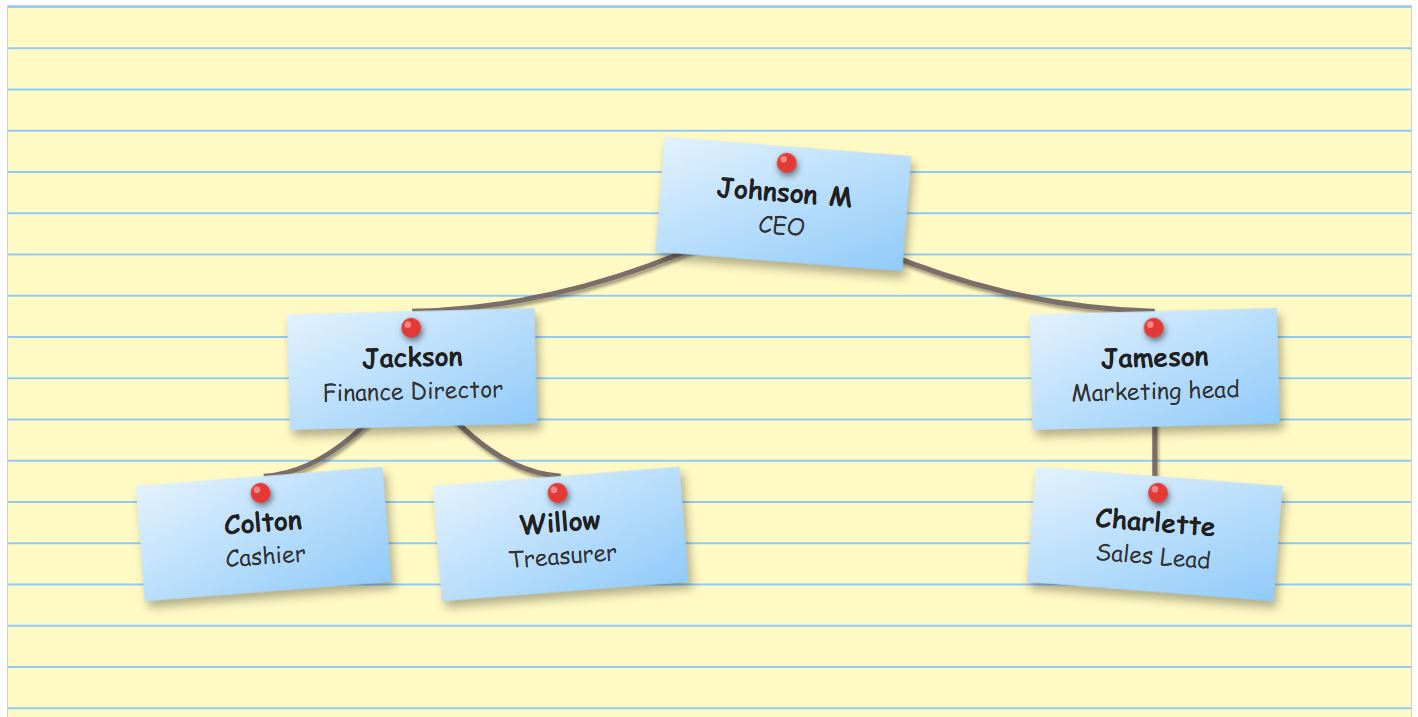
Legal Brief - Lined & Blue
Yellow lined paper background with blue sticky notes.
Applying...
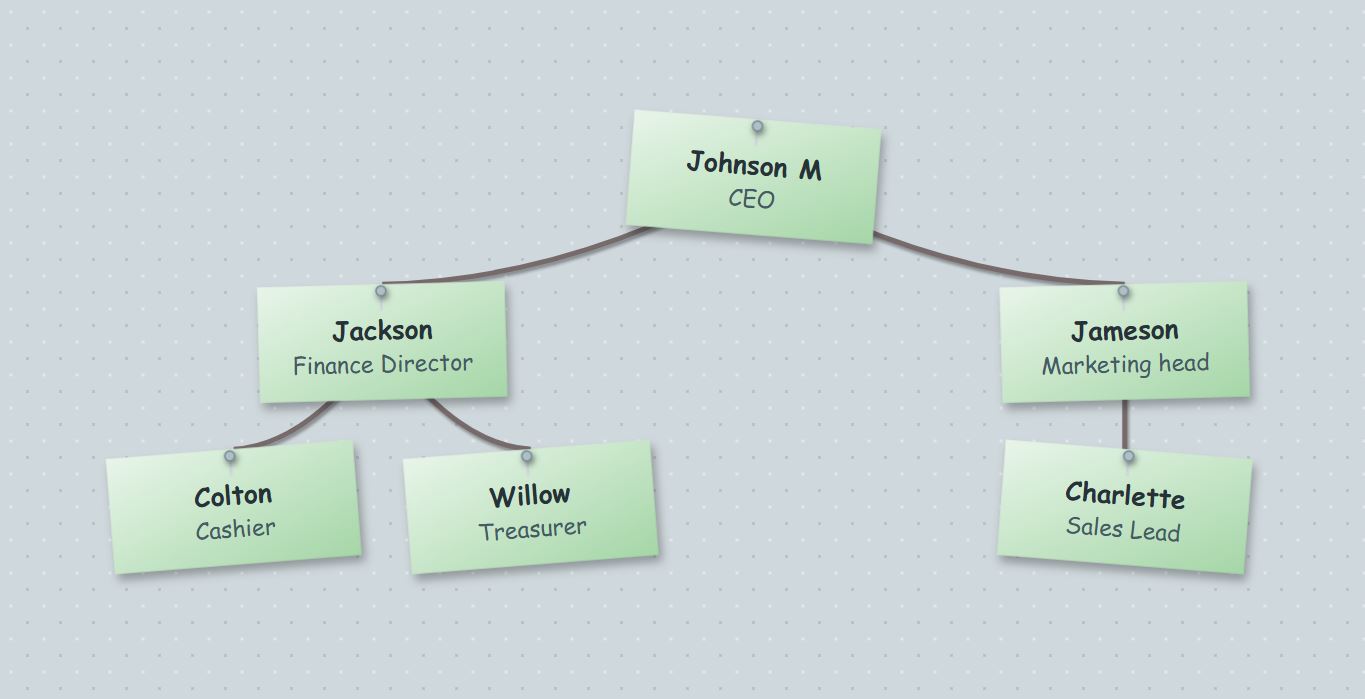
Industrial - Concrete & Green
Grey concrete dot texture with green sticky notes.
Applying...
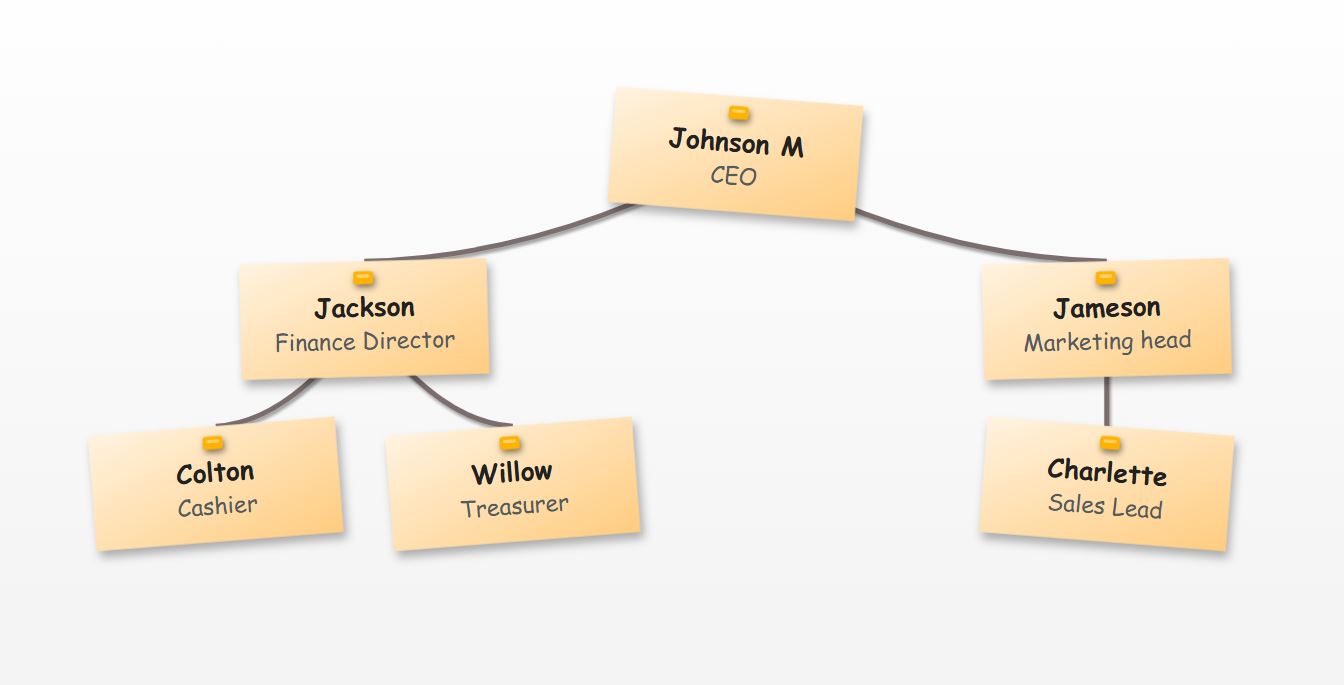
Clean Cut - White & Orange
Clean whiteboard background with orange sticky notes.
Applying...
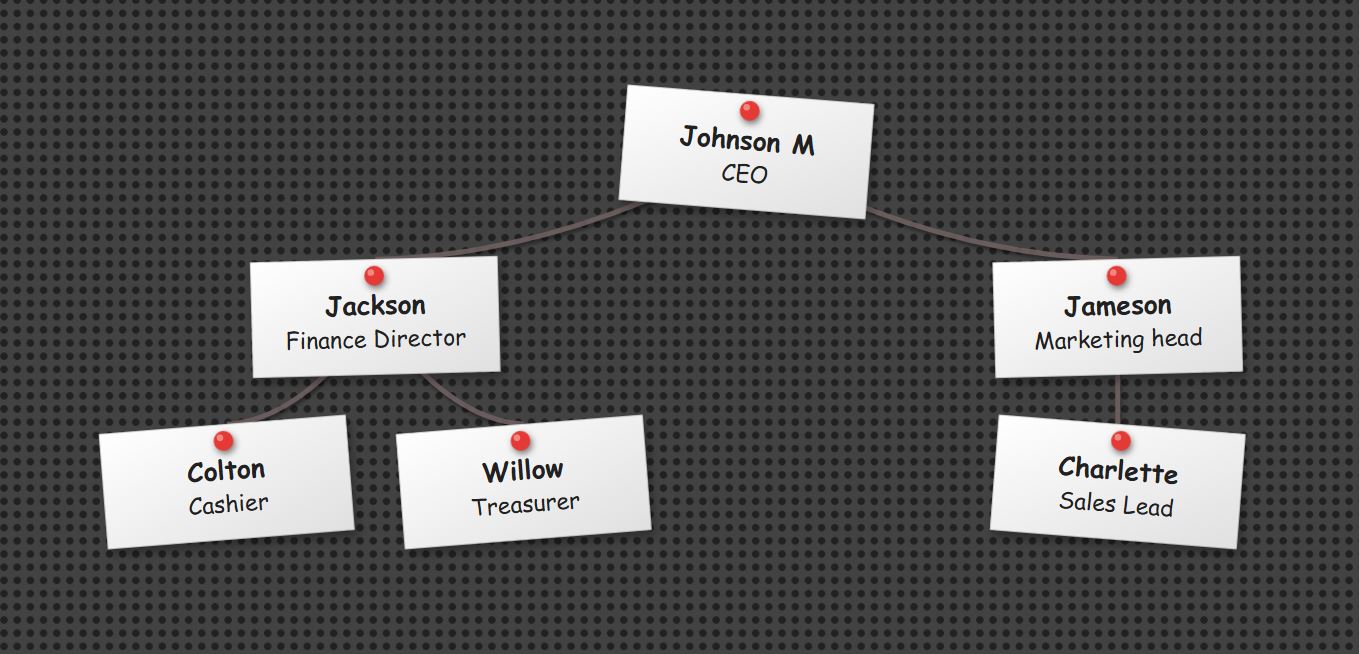
High Voltage - Metal Mesh & White
Dark metal mesh background with white sticky notes and red pins.
Applying...

Description

What is this Sticky Note Org Chart?

The Sticky Note Org Chart Template brings a realistic, tactile aesthetic to your organizational hierarchy. Perfect for brainstorming sessions, agile teams, or creative agencies, this template replaces standard boxes with realistic Sticky Notes and 3D Push Pins. With over 20 diverse Board Themes—ranging from "Classic Cork" and "Engineering Blueprint" to "Industrial Concrete"—it uses "hanging string" connectors to simulate a physical board. Equipped with a robust online editor, smart CSV automation, and interactive zoom controls, this tool enables you to visualize your team's structure with a unique, hand-crafted look.

How to edit this Corkboard Chart?

Editing is seamless using our intuitive built-in control panel. You can instantly switch the vibe of your chart by selecting a new Board Texture (like Wood, Carbon Fiber, or Graph Paper) and customizing the Pin Style (Gold, Silver Needle, or Round Head). Uniquely, this editor allows you to style the connections to look like tight or slack twine by adjusting the String Color and Width. You can build your hierarchy manually or automate the process by importing team data via CSV. All changes apply in real-time, allowing you to preview the realistic shadows and textures before exporting your final high-resolution PNG.

What we do

Key Features

  • Realistic Themes: Choose from 20+ board styles like Classic Cork, Blueprint, Industrial Concrete, and Wood.
  • Pin & Note Styles: Customize your look with Post-it colors and 3D Pin types (Gold, Needle, Round).
  • Design Details: Features realistic "hanging string" connectors with slack curves and paper drop-shadows.
  • Smart CSV Import: Auto-generate complex hierarchies instantly by uploading Excel or CSV data.
  • High-Res Export: Download professional 2x resolution PNGs that capture the board texture and lighting.
  • 100% Free & Private: No sign-up required; all processing happens securely in your browser.

How do I create an Org Chart with this template?

You have two easy options: manually map out roles using the interactive editor buttons, or upload a CSV file to automatically generate the hierarchy for larger teams. Once your structure is set, select your favorite Board Texture, choose a Pin Style, and click 'Download Chart' to save your file.

How do I download the chart as an image?

Once you have finished designing, click the 'Download Chart' button. The tool will instantly capture the canvas—including the board background, pin shadows, and string connectors—and download a high-resolution (2x) PNG file optimized for professional presentations.

Is this organizational chart template free?

Yes, this Sticky Note Org Chart template is 100% free. You have full access to the online editor, all board themes (Cork, Blueprint, Grid, etc.), pin customization controls, and high-quality downloads without any hidden costs or sign-up requirements.

How does the CSV Import feature work?

You can automate the creation process by downloading our sample CSV template. Fill it with your team's details (Names, Titles, and Reporting Lines) and upload it back to the tool. The editor will instantly read the data and construct your complete hierarchy automatically, placing sticky notes and connecting strings for you.

Are there any restrictions on this template?

No, there are no creative restrictions. You have total control to customize every detail, including the note paper colors, pin geometry, background textures, and string thickness. The layout is designed to scale perfectly, handling anything from small agile squads to large corporate departments.

Tools section