Free online tool
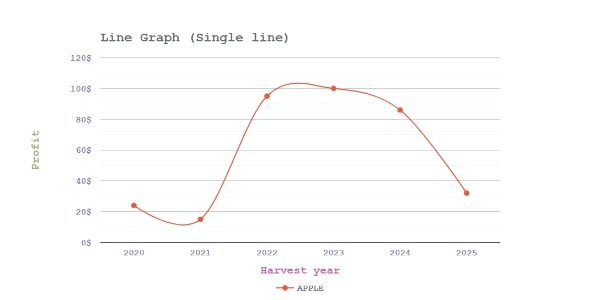
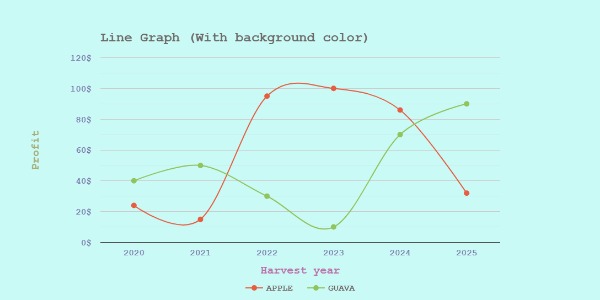
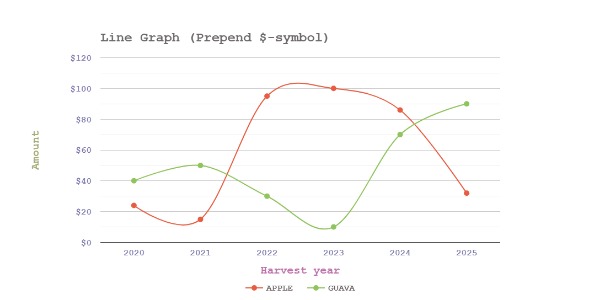
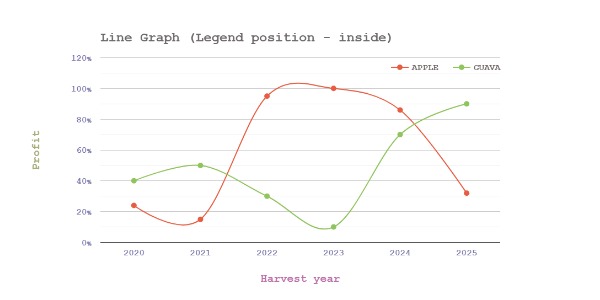
Line Graph preview
Line Graph samples
Description
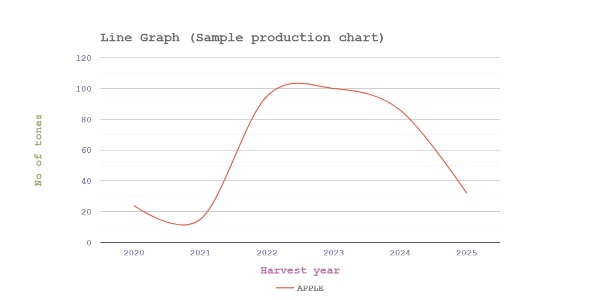
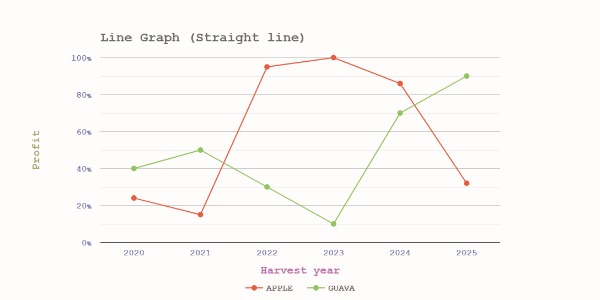
Line graphs are used to illustrate how one variable changes over time or in relation to another. They create a visual representation of the data by joining points with straight lines. Line graphs usually have two axes: the horizontal (x-axis) and the vertical (y-axis). The horizontal axis displays independent variable, while the vertical axis displays the dependent variable under measurement. When interpreting a line graph the slope indicates the rate of change, and the overall direction shows the trend.
This tool effortlessly creates line charts and lets you save them as PNG, JPG, or SVG files. Powered by Google Chart tools, it enables easy input of line and axis data points. Customize your chart with vibrant font and color options to make it visually appealing. Additionally, you can import data for quick setup and export your chart data for seamless future use.
What we do
Enter the chart title, then input the line and axis data points directly in the tool. Customize the chart with attractive fonts and colors as desired. Preview and download your line chart as an image, or speed up the process by importing line data from a CSV template.
This tool generates line chart using powerful Google chart tools and it is rendered within the browser.
You can make as many line charts as you like with this tool. No limitations, or registration prerequisites exist.
Simply use this tool to plot a line graph, select an image format, and click the download button to save the generated line graph as an image.
This tool does not require any special skills to create a line chart. Simply enter the title of the chart, plot the graph using the line and axis data, preview the graph, and download it as an image.
This tool has no limitations or requirements for registering or logging in. Making a line chart is simple and unrestricted.
Tools section